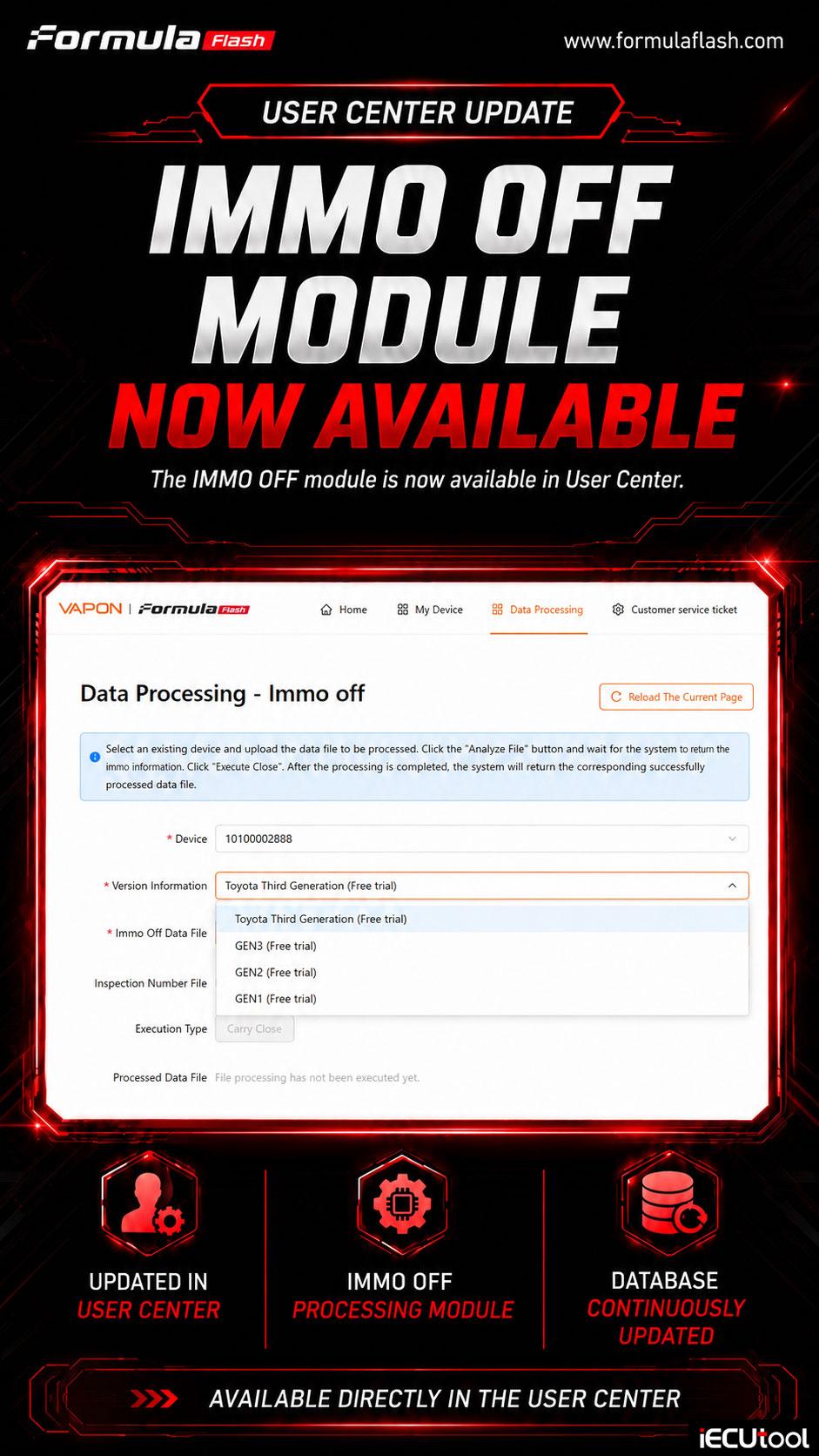
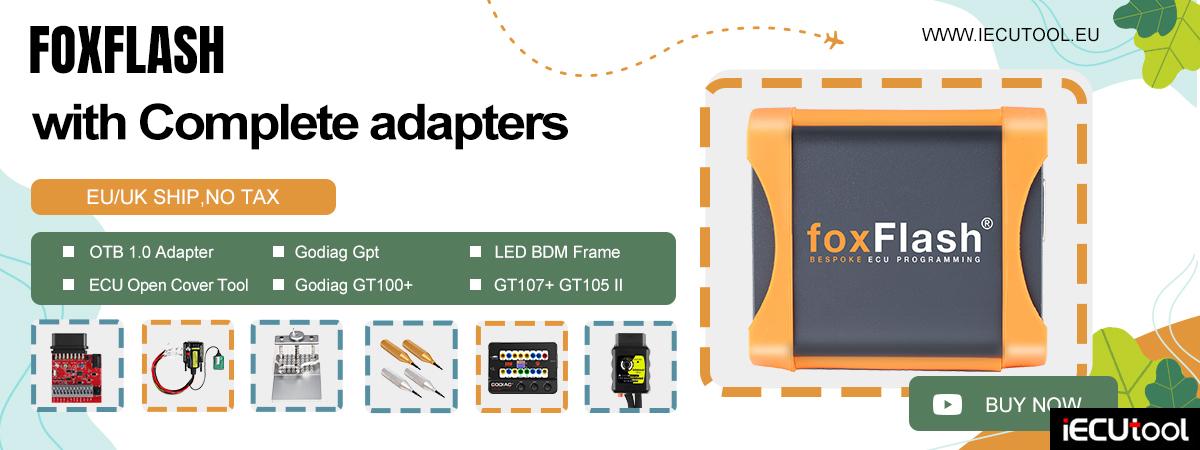
Good new! FormulaFlash ECU programmer IMMO OFF module is now available in User Center directly.
How to use IMMO OFF function in the User Center?
- In User Center, go to Data Processing tab.
- Select IMMO OFF.
- Select an existing device serial number and upload the data file to be processed.
- Click the “Analyze File” button and wait for the system t return the immo information.
- Click “Execute Close”.
- After the processing is completed, the system will return the corresponding successfully processed data fi;e.
- Write the modified file back to ECU using FormulaFlash.