
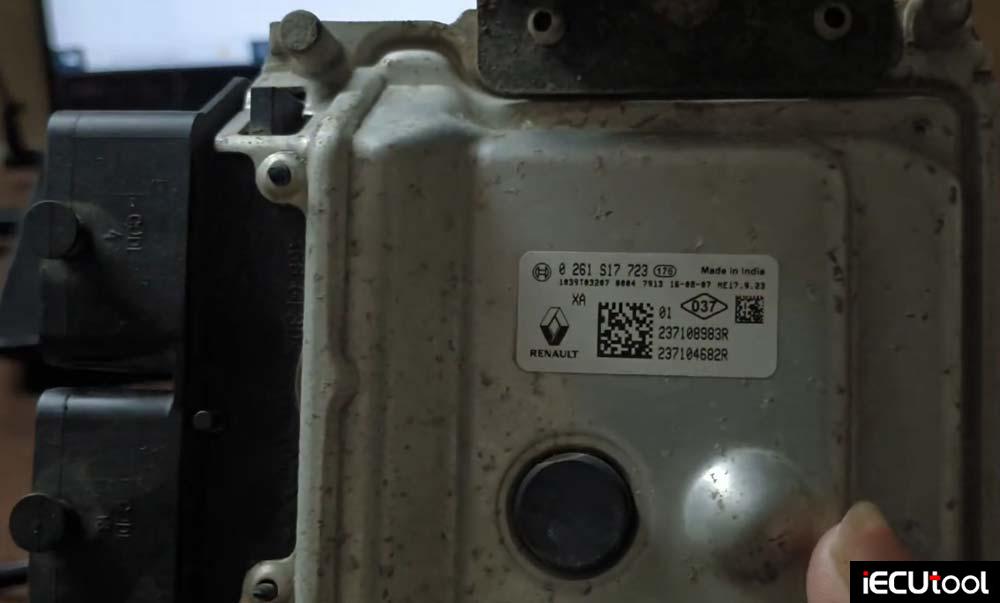
The Renault Kwid ECU ME17.9.23 TC1724 was brought in for cloning. The part number on the ECU is 0 261 S17 723. The goal was to read the ECU data using the OBDSTAR ECU Master, back it up, and then write the data back to verify the process works.
Bench Mode Connections
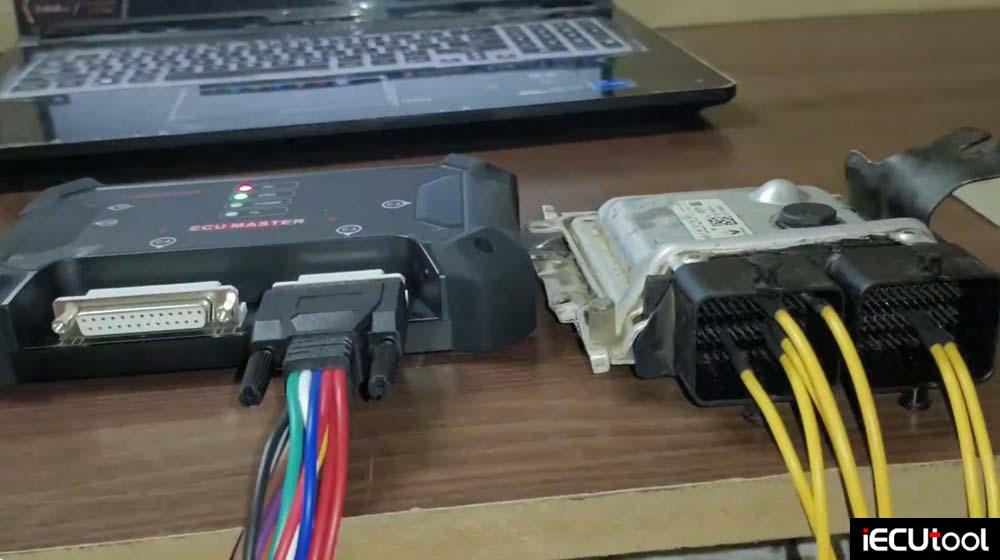
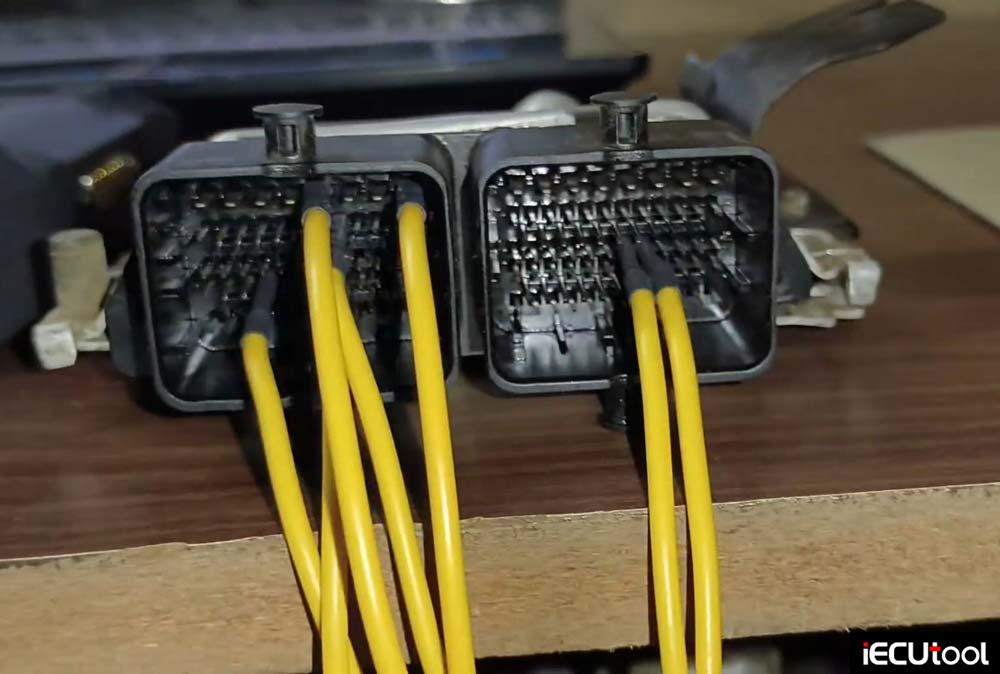
All necessary connections were made for bench mode operation. The wiring includes:
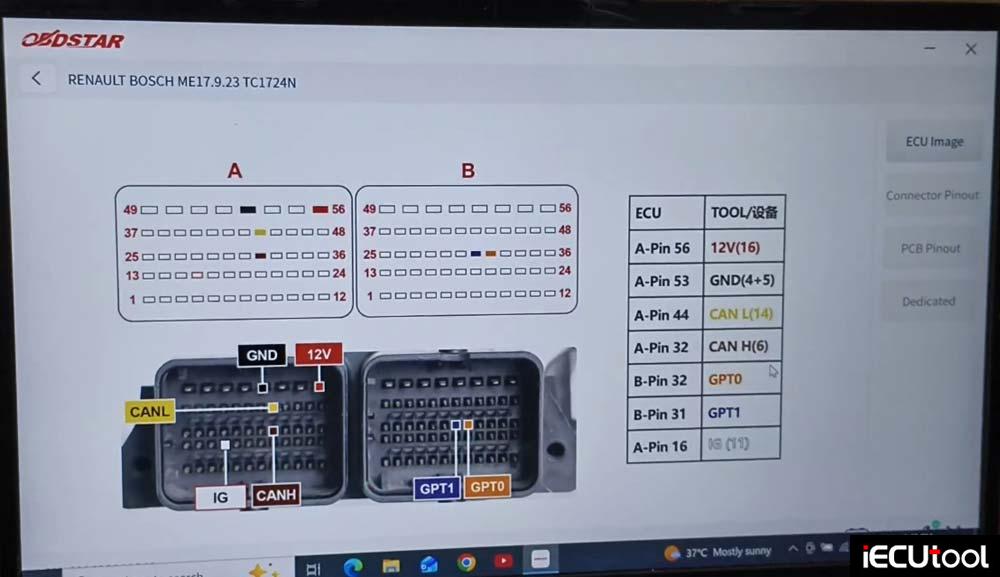
Positive and negative power connections
CAN High and Low wires for ignition
GPT wire (on the other side)
These connections are shown clearly so viewers can follow along.
Setting Up the OBDSTAR ECU Master
Once in the laptop interface, the ECU Master tool is opened.
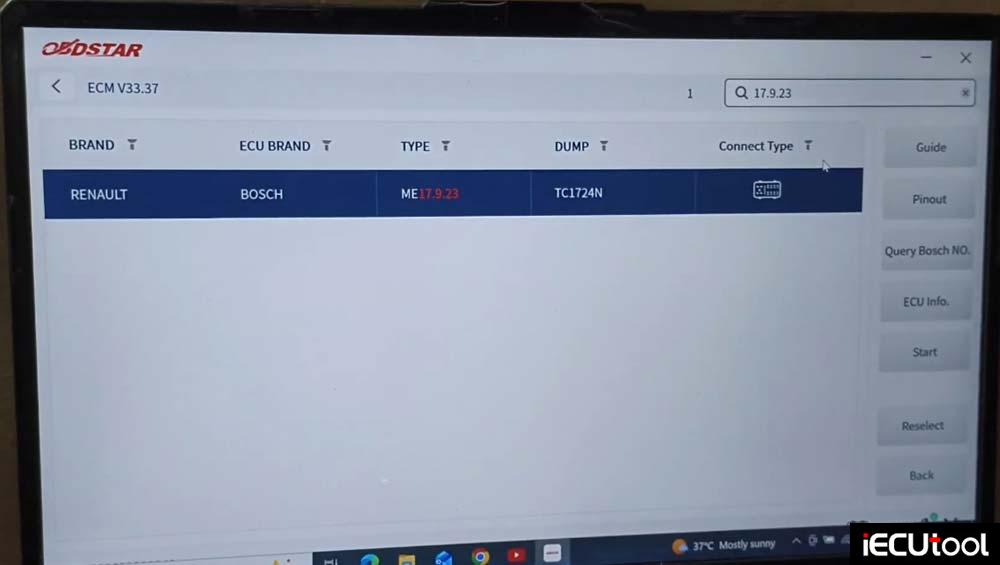
The vehicle selection is:
Navigate to 17.9.23.
Select Renault — the ECU profile loads.
Select Bench mode.
The pinout diagram appears.
The ECU is identified — this is the ME17.9.23 TC1724 with part number 179 23.
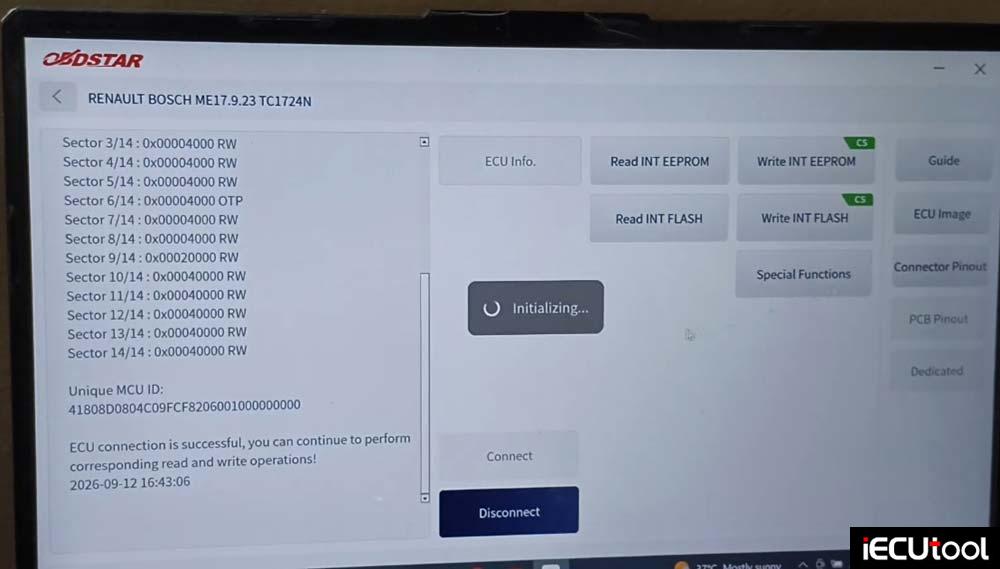
Starting Bench Mode Communication
After confirming the pinout, the tool is started in Bench Mode. The device begins connecting to the server. A key point to note: the internet connection must be fast for proper communication. The tool needs a stable, high-speed connection to communicate perfectly with the ECU.
The reading and communication process begins.
Backing Up the ECU Data
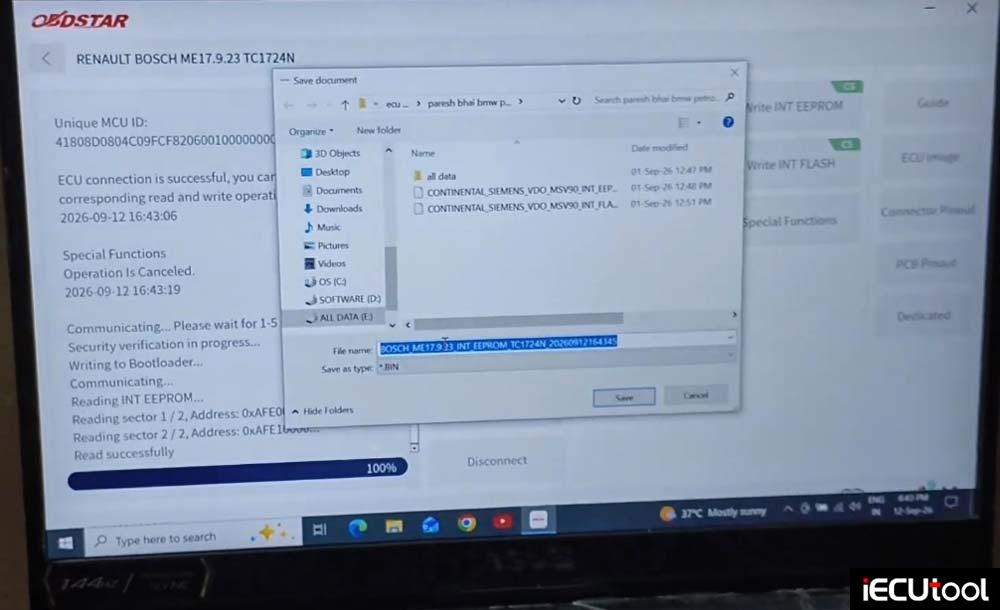
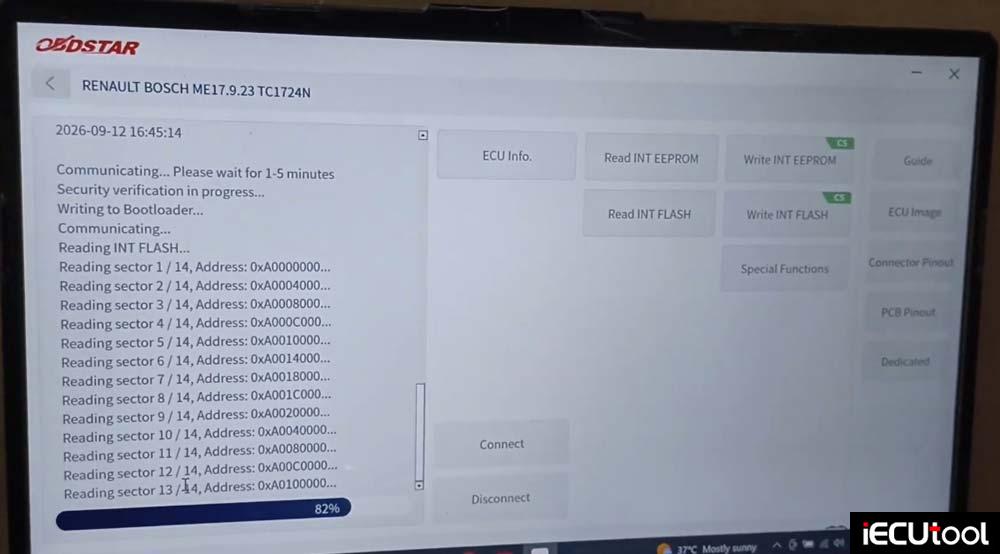
Before any writing is done, the first priority is to back up the ECU data.
Read and save EEPROM data.
Read and save Flash data.
Writing the Data Back
After saving, the next step is to write the data back to the ECU to verify the process.
- Selecting the File
- The saved file is selected
- The file is opened
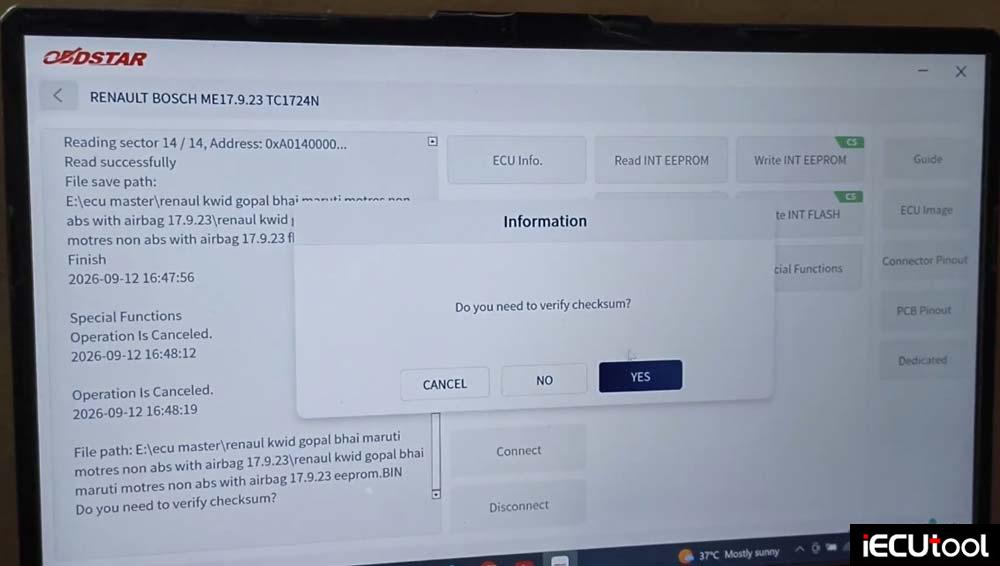
- The tool asks: “Do you want to check and verify?”
- Yes is selected
- The tool asks for the original file
- The original file is loaded
Writing Process
The writing process takes a little longer, which is why it is being done now. OBDSTAR ECU Master:
- Initiates the write
- Boot loader is loaded — writing the boot loader
- The file name appears — showing where the file was taken from
- The same file is being written back
- The ECU with part number 179 23 is being written successfully.
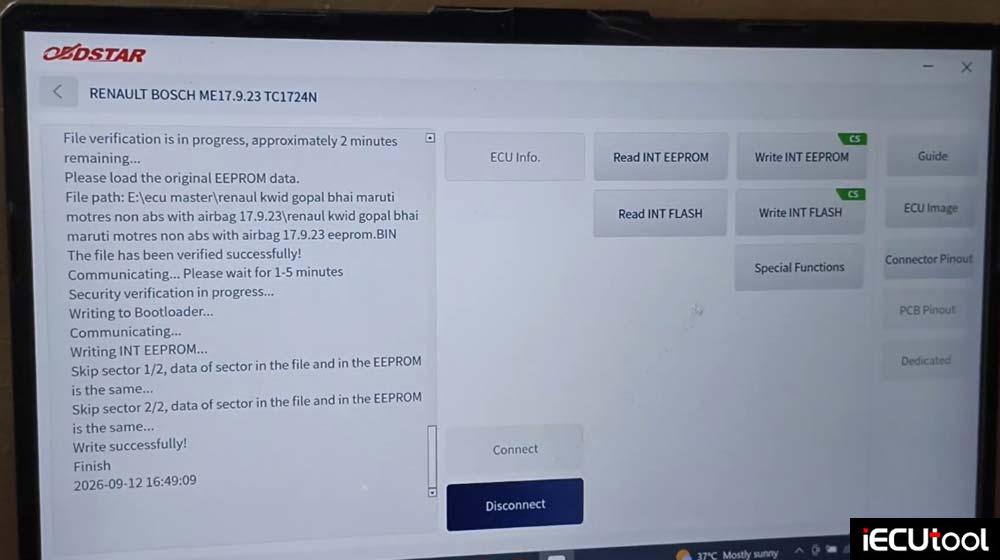
Completion
The work is now complete:
- The ECU has been read
- The data has been backed up
- The data has been written back
- The ECU is installed
The data will be returned to the same ECU and given back to the customer
Important Note on Adapters and Cables
Some users report that communication sometimes fails. To avoid this:
- Always use the original adapter
- Always use the original data cable (the serial cable)
This prevents device damage and avoids any issues with the tool.